
Ford FDRS Software Explained (Plus How IDS Fits In)
Updated on June 5, 2026
If you’re a Ford owner or technician, you may have heard about the FDRS and IDS software. These are the best diagnostic tools used for Ford vehicles. In this article, we will take a deep dive into what FDRS and IDS software are, their benefits, licensing, subscription costs, and how to get them. Looking for an official Ford IDS Software License?
👉 Click here to get instant activation: Ford IDS Software License.
What is FDRS Ford?
Ford Diagnostic and Repair System (FDRS) is a software tool used to diagnose and repair Ford vehicles. It is designed to provide Ford technicians with the latest diagnostic tools and repair information to help them quickly and accurately diagnose and repair any issues that may arise in Ford vehicles.
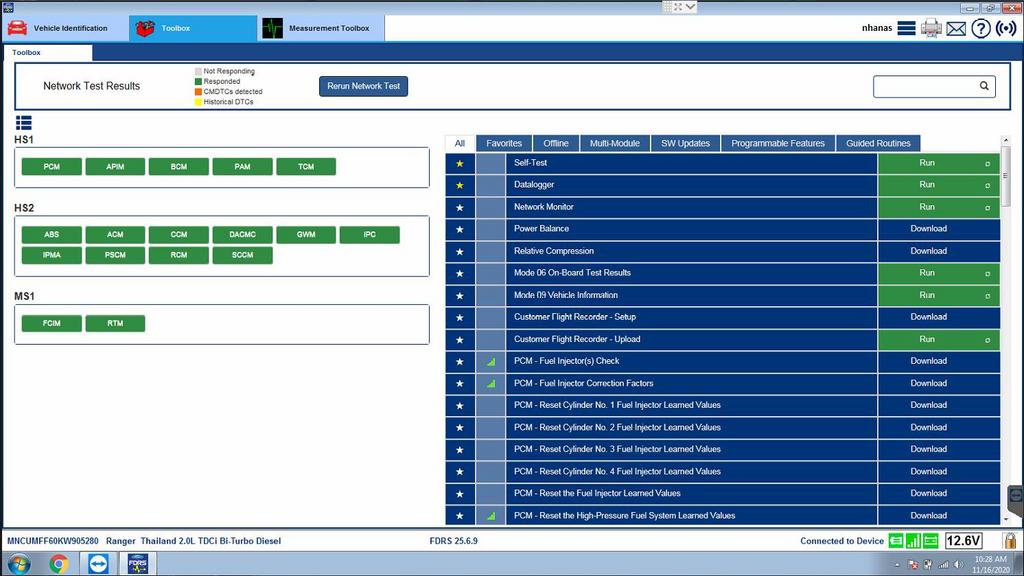
FDRS software is designed to be used with the Ford Integrated Diagnostic System (IDS) and is part of Ford’s Motorcraft Service. It allows technicians to diagnose and repair Ford vehicles quickly and accurately, reducing vehicle downtime and increasing customer satisfaction.
Learn more about Ford diagnostic tools
What is Ford IDS Software?
Ford IDS software is the main software tool used by Ford technicians to diagnose and repair Ford vehicles. It provides diagnostic capabilities for Ford, Lincoln, and Mercury vehicles, including modules, PCM, ABS, and more.
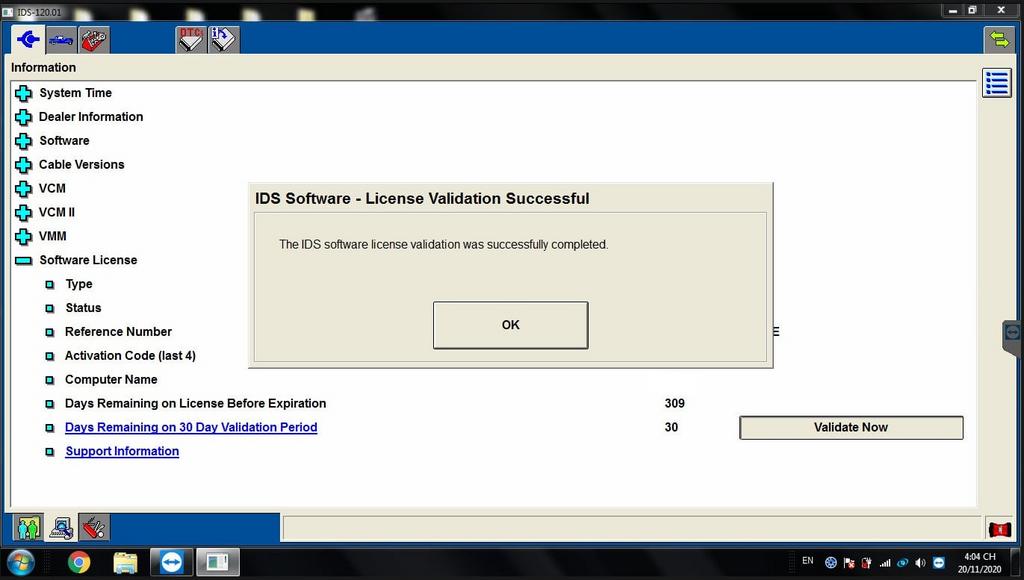
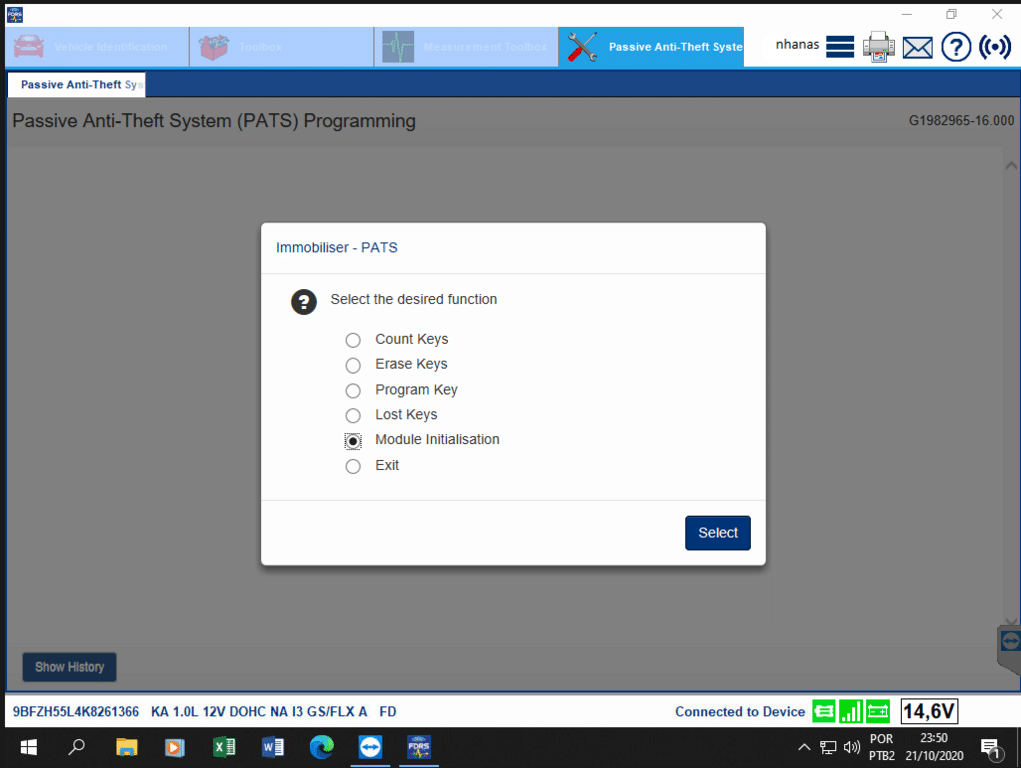
IDS software also allows technicians to program and configure vehicle modules, which is essential when replacing parts or updating software. Additionally, IDS software can perform vehicle calibrations, which help improve vehicle performance and reduce emissions.
FDRS vs IDS Software
While FDRS and IDS software are used in conjunction with each other, they serve slightly different purposes. FDRS software is used to diagnose and repair Ford vehicles, while IDS software is the main diagnostic tool used by Ford technicians. FDRS software also includes repair information and diagnostic tools that are not available in IDS software.
How to program Ford vehicles with FDRS – Video Show Case
How to Get Ford IDS Software?
Ford IDS software is only available to Ford authorized dealerships and technicians. To access the software, you must purchase a license from Ford or a licensed vendor. The cost of the license varies depending on the subscription length, which can range from a few days to a year.
Techroute66 offers 12-months license for a very special price here
-
Product on sale
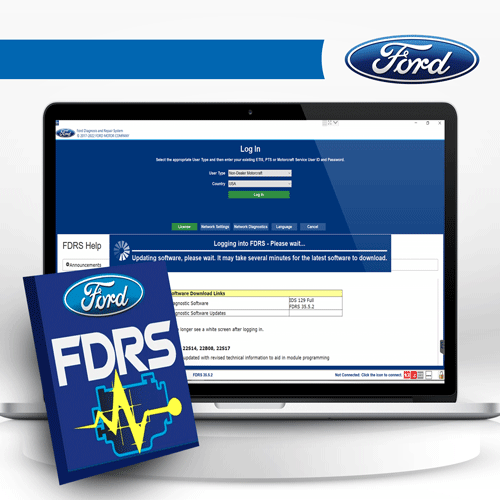 Ford FDRS Subscription | 12-Month License Pricing & Coverage$79.00 – $1,500.00
To purchase an IDS software license, you will need to provide proof of certification or employment by a Ford dealership or repair facility. Once the license is purchased, you will receive a unique license key that is used to activate the software.
Maximize your auto repair shop’s productivity with Techroute66’s WMS Free Auto Repair Shop Software!

Ford FDRS features
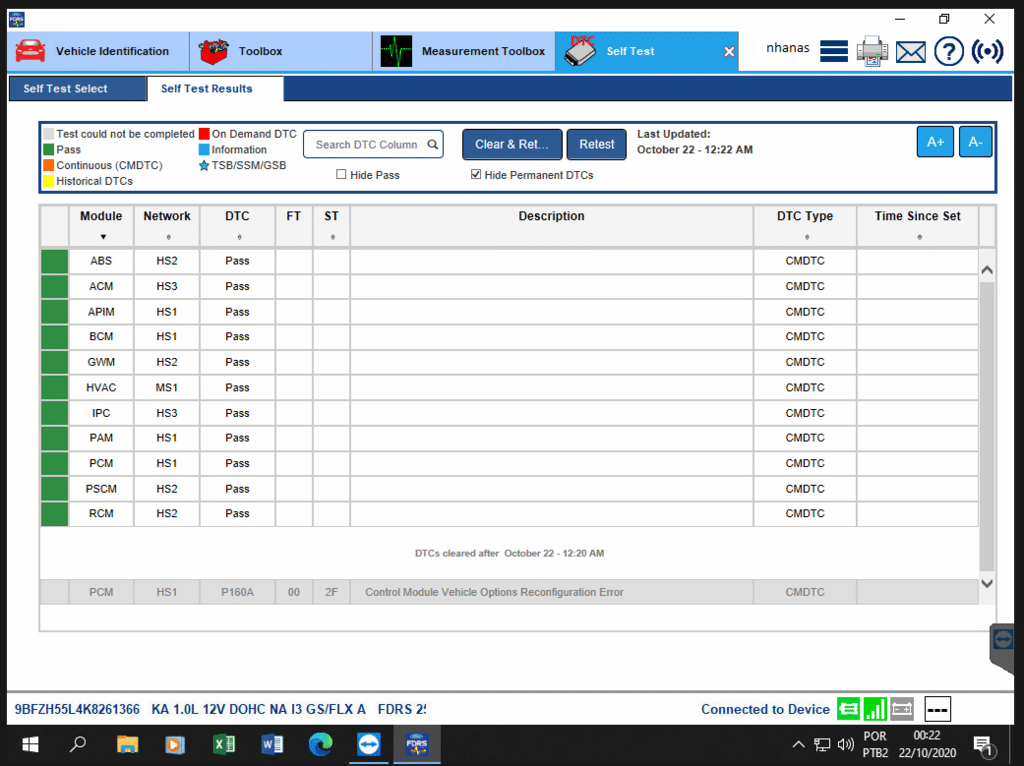
Ford FDRS (Ford Diagnostic and Repair System) is a comprehensive diagnostic software designed for Ford vehicles from 2018 and newer. Here are the main features of Ford FDRS:
Ford IDS Subscription Cost
The cost of a Ford IDS software subscription varies depending on the length of the subscription. The shortest subscription is for 3 days and costs around $75, while a yearly subscription can cost upwards of $2,000. The subscription cost includes access to the latest software updates and technical support.
We have best offer for genuine FORD IDS and FDRS 12 months License at $350 USD only
FDRS License and Subscription
Similar to IDS software, FDRS software is only available to Ford authorized dealerships and technicians. To access FDRS software, you must purchase a license from Ford or a licensed vendor. The license can be purchased for a period of 3 days to a year, and the cost varies depending on the length of the subscription.
FDRS Ford Login
To access FDRS software, you will need to have a valid license key and login credentials. These credentials are typically provided by Ford or a licensed vendor. Once you have the login credentials, you can access the software through the Ford Integrated Diagnostic System (IDS).
How to Use Ford FDRS?
Using Ford FDRS software is relatively easy once you have the software installed and have a valid license key and login credentials. To use this software, connect the IDS tool to the vehicle’s OBD-II port and launch the software. From there, you can select the vehicle you wish to diagnose or repair and follow the on-screen instructions.
Ford FDRS Requirements
Certain hardware and software requirements must be met to run Ford Ford Diagnostic and Repair System on a Windows-based computer. These requirements include:
It’s important to note that some features of the software may require additional hardware or software, such as a printer or a PDF reader. Additionally, the requirements may vary depending on the specific version of the software that is being used.
Also read: Ford Diagnostics Software: How to Find the Right Solution
Also read: Land Rover Topix – Everything You Need to Know
Overall, meeting the requirements for Ford FDRS is essential to ensure that the software runs smoothly and provides accurate diagnostic and repair information for Ford, Lincoln, and Mercury vehicles. Technicians should ensure that their computer and diagnostic interface meet the requirements before attempting to use FDRS.
-
Product on saleFord FDRS Subscription | 12-Month License Pricing & Coverage$79.00 – $1,500.00
Design a customized diagnostic kit tailored to your shop’s needs with Techroute66’s Auto Kit Builder!

Need expert help with your setup?
Our team is ready to help you choose the right tools and get you up and running.