
ODIS vs. VCDS: Which One is Right for You?
Updated on July 24, 2026
Introduction
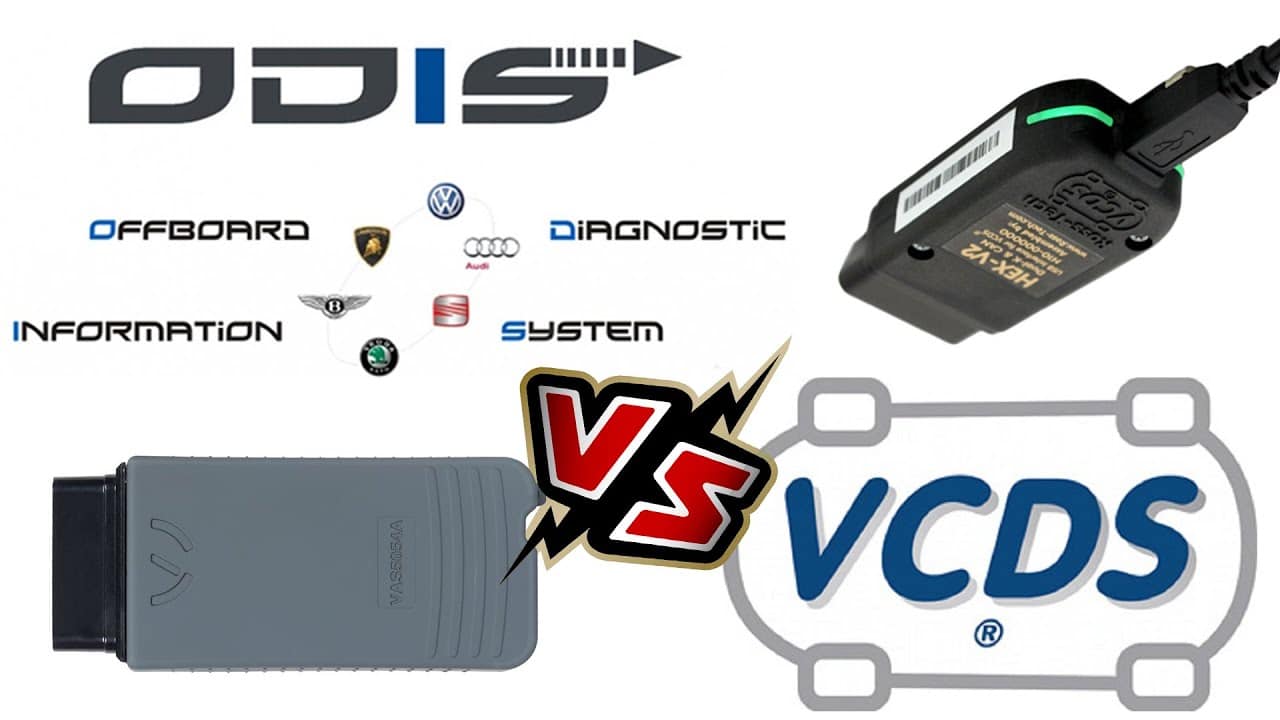
ODIS Service (ODIS-S) and VCDS are both diagnostic tools for Volkswagen Group vehicles, but they are built for different workflows. ODIS-S is the Volkswagen Group diagnostic environment used for OEM service procedures and functions that may depend on authorized online access. VCDS, developed by Ross-Tech, is an independent diagnostic tool widely used for fault-code work, live data, adaptations, coding, and routine diagnostics on supported VW, Audi, SEAT, and Skoda vehicles. The better choice depends on the vehicle, the job, the interface you use, and whether OEM online functions are required.
Related: Not sure whether you need ODIS Service, ODIS Engineering or dealer online access codes? Start with our ODIS buyer’s guide.
ODIS S Diagnostic Software
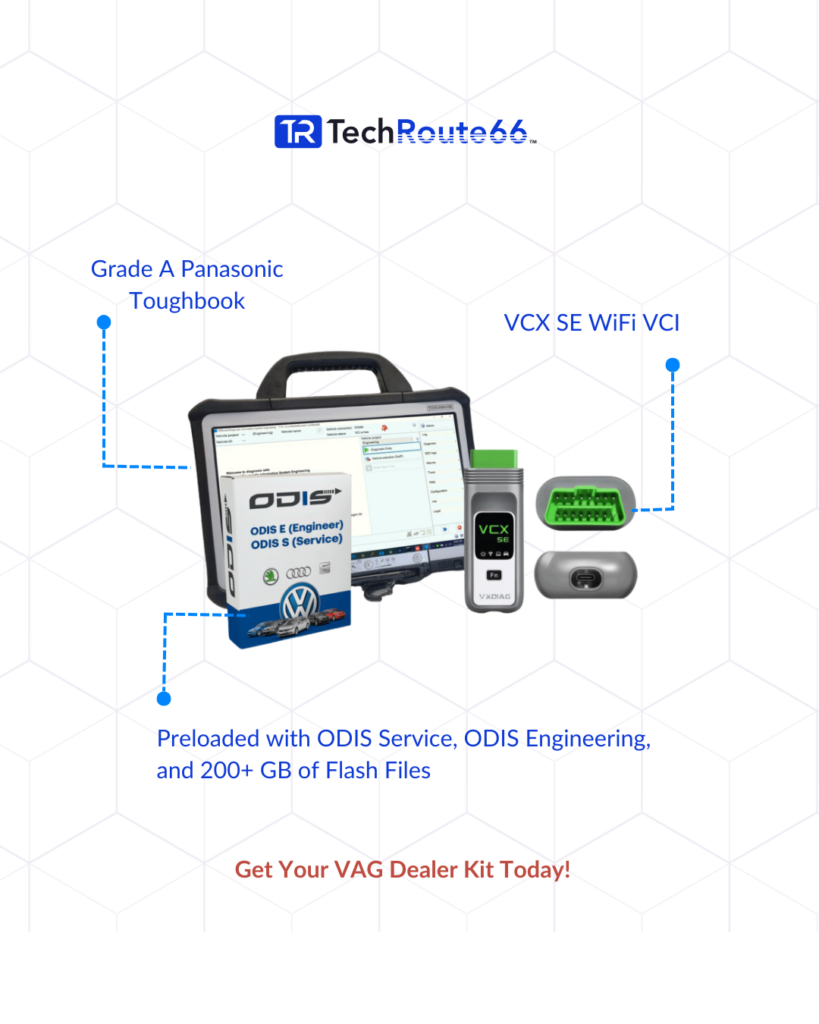
ODIS Service is Volkswagen Group diagnostic software used in dealer and authorized-service workflows. It supports functions such as reading and clearing fault codes, guided diagnostic work, system tests, coding, and other service procedures, while some protected or online functions require the appropriate account and authorization. Actual capability depends on the vehicle, software release, interface, and access level, so ODIS-S should be evaluated around the specific repair or programming task rather than treated as a universal replacement for every diagnostic tool.
VCDS (VAG-COM Diagnostic System)
VCDS is a third-party diagnostic software developed by Ross-Tech. It provides similar diagnostic functions as ODIS S and is a popular choice among VW owners and independent repair shops. VCDS is compatible with a wide range of VW models, including some Audi models. Unlike ODIS S, VCDS is not updated as frequently, and compatibility with new VW models may be limited.
ODIS vs. VCDS: Comparison Table
One of the biggest differences between ODIS S and VCDS is the level of access they provide. ODIS S provides full access to all the modules and functions of your VW, while VCDS may have limited access to certain modules. ODIS S is also the only software that can perform online coding, which is necessary for some advanced repairs and programming.
| Feature | ODIS-S Diagnostic Software | VCDS Diagnostic Software |
|---|---|---|
| Vehicle Coverage | VW, Audi, Seat, Skoda, Bentley, Lamborghini | VW, Audi, Seat, Skoda |
| Compatibility with VAG models | Yes | Limited |
| System Scans | Yes | Yes |
| Read & Clear Diagnostic Trouble Codes | Yes | Yes |
| Control Module Coding | Yes | Yes |
| Advanced Adaptation | Yes | Limited |
| Basic Setting | Yes | Yes |
| Measuring Blocks | Yes | Yes |
| Component Protection Removal | Yes | Limited |
| Flashing/Programming | Yes | Yes |
| Technical Support | Yes | Yes |
As the comparison table shows, ODIS-S Diagnostic Software offers a more extensive vehicle coverage that includes VW, Audi, Seat, Skoda, Bentley, and Lamborghini. It is also compatible with more VAG models than VCDS. Both systems can perform system scans and read and clear diagnostic trouble codes, but ODIS-S Diagnostic Software offers advanced adaptation and basic settings, which VCDS is limited in. ODIS-S Diagnostic Software also offers component protection removal and technical support, making it the preferred choice for VW and Audi diagnostic needs.
Conclusion:
Choosing the right diagnostic software for your VW depends on your specific needs and budget. If you’re a professional repair shop with a high volume of VW repairs, ODIS S may be the better choice due to its full access and online coding capabilities. If you’re a DIY enthusiast or small repair shop, VCDS may be a more affordable option that still provides a wide range of diagnostic functions. Ultimately, both ODISS and VCDS are powerful tools that can help you diagnose and repair your VW more efficiently.
Enhance your auto repair shop’s productivity with Techroute66’s WMS Free Auto Repair Shop Software!
Read also: VAG-COM vs. VCDS: Choose the Best Diagnostic Tool Today!
For advanced diagnostics and coding, consider exploring ODIS Online Access Code – SVM, DSS, and SFD to enhance your ODIS experience.
Need expert help with your setup?
Our team is ready to help you choose the right tools and get you up and running.