
ACDelco TDS Explained: Service Information vs Diagnostics vs Programming
Updated on July 13, 2026
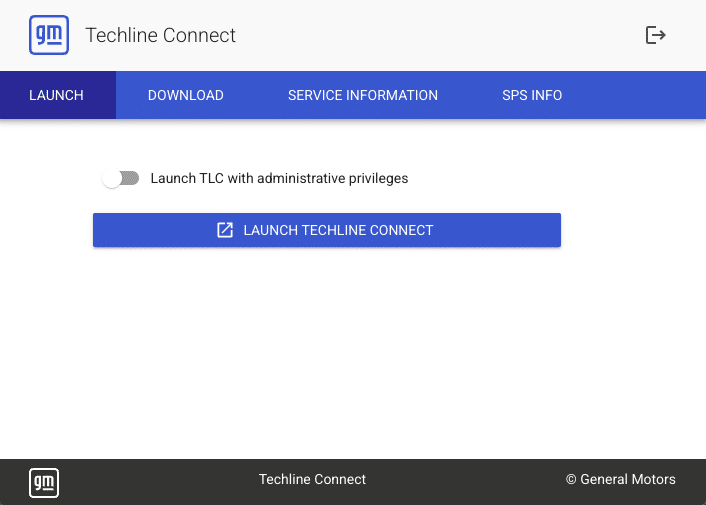
When working on modern GM vehicles, many independent shops hear the term ACDelco TDS but aren’t always clear on what it actually includes—or which parts they really need.
Related: New to the GM software stack? Our guide to Techline Connect, SPS2, GDS2 and Tech2Win explains which tool covers which model years.
Is ACDelco TDS diagnostics? Programming? Repair manuals?
The short answer: it’s an ecosystem, and each part serves a different role in the repair process.
This guide breaks down ACDelco TDS, explains the differences between Service Information (SI), diagnostics, and SPS2 programming, and helps you decide what makes sense for your shop.
What is ACDelco TDS?
ACDelco TDS (Technical Delivery System) is GM’s aftermarket service platform designed for independent repair shops. It provides access to GM-related tools and services that support:
- Vehicle diagnostics
- Module programming and setup
- OEM-style service documentation
Instead of being a single tool, TDS is a gateway to multiple systems—each designed for a specific task in the repair workflow.

The Three Core Parts of ACDelco TDS
Think of ACDelco TDS as a toolbox with three main drawers:
Each one answers a different question during a repair.
1. Service Information (SI): The “How-To” Layer
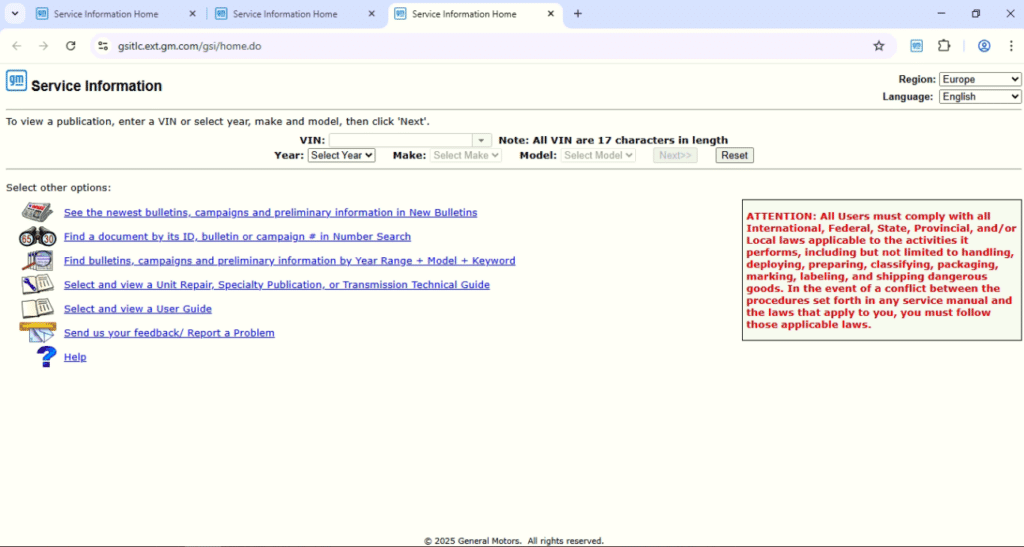
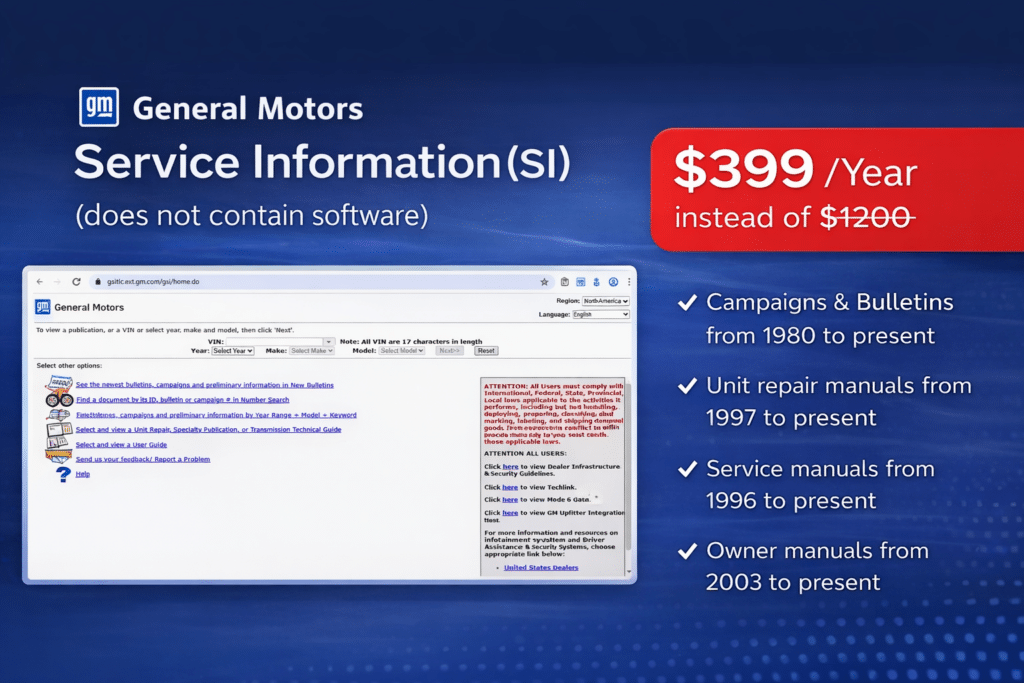
GM Service Information (SI) is the documentation side of the ecosystem.
It’s what technicians use when they need to know:
- How to perform a repair
- Where a component is located
- Which wire, connector, or pin they’re testing
What SI includes
- Step-by-step repair procedures
- Wiring diagrams and schematics
- Connector end views and pinouts
- Component locations and illustrations
- Technical bulletins and reference documents
- VIN or year/make/model-based lookup
When shops rely on SI
- Electrical diagnostics and wiring repairs
- Confirming torque specs and procedures
- Finding known issues via bulletins
- Avoiding guesswork and repeat repairs
Key point:
SI does not talk to the vehicle. It supports your decisions—but diagnostics and programming still require separate tools.
2. Diagnostics: Talking to the Vehicle
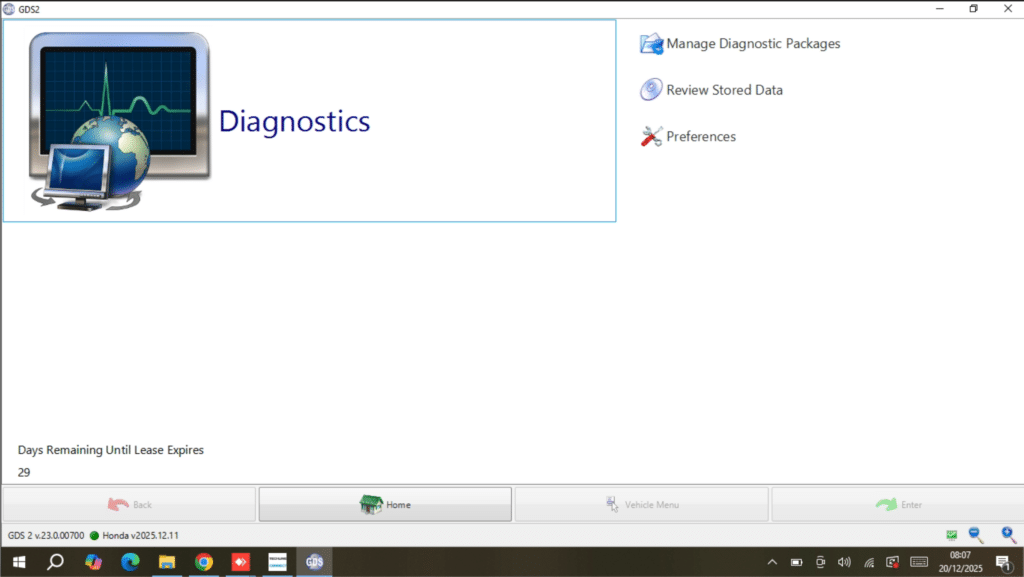
Diagnostics is where you actually communicate with the car.
Within the GM ecosystem, dealer-level diagnostics are typically handled through software like GDS2, accessed via platforms such as Techline Connect.
What diagnostics tools do
- Read and clear diagnostic trouble codes (DTCs)
- View live data and sensor values
- Run guided tests and system routines
- Access module-specific diagnostic functions
When diagnostics are essential
- Check engine lights and drivability complaints
- Network communication issues
- Advanced system testing beyond generic scan tools
Key point:
Diagnostics tell you what the vehicle is reporting.
SI tells you how to interpret and repair it.
3. Programming: Writing Software to Modules
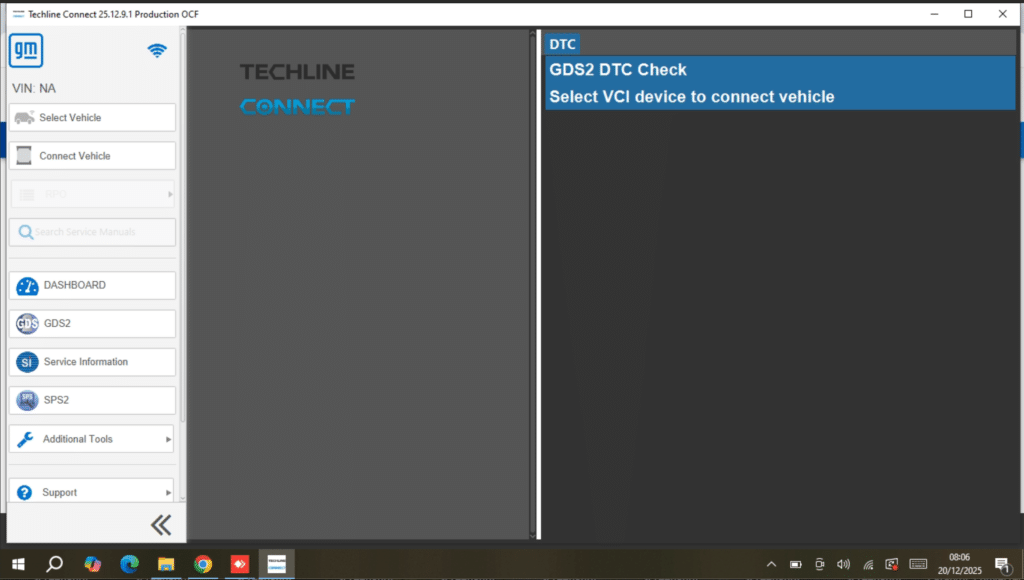
Programming is the most sensitive—and often most misunderstood—part of ACDelco TDS.
Programming tools (such as SPS2) are used when a repair requires:
- Updating module software
- Installing VIN-based calibrations
- Setting up replacement control modules
What programming is used for
- ECU/TCM/BCM replacement
- Calibration updates to fix drivability issues
- Software-related recalls or updates
- Certain security or configuration procedures
Why programming matters
Modern GM vehicles won’t always accept a new module without proper programming. Even a correctly installed part can cause faults until it’s configured with the correct software.
Key point:
Programming changes the vehicle’s software.
Diagnostics and SI do not.
How SI, Diagnostics, and Programming Work Together
A real-world GM repair often looks like this:
→ Read codes, identify the affected system
→ Look up wiring diagrams, procedures, and bulletins
→ Update or configure modules if required
→ Clear codes, confirm repair, verify operation
Skipping any step can lead to misdiagnosis, wasted time, or repeat comebacks.
Common Misconception: “I Just Need One Tool”
One of the biggest mistakes shops make is assuming:
- SI alone is enough
- A scan tool alone is enough
- Programming is only for dealers
In reality:
- SI without diagnostics = you can’t confirm faults
- Diagnostics without SI = you don’t know the correct repair method
- Programming without SI/diagnostics = high risk of errors
ACDelco TDS is designed so these tools complement each other, not replace one another.
What Does an Independent GM-Focused Shop Really Need?
That depends on the work you do.
Light GM work (maintenance, basic repairs)
- Aftermarket scan tool
- SI access for procedures and diagrams
Diagnostics-heavy GM work
- Dealer-level diagnostics (GDS2)
- SI for wiring, pinouts, and bulletins
Advanced GM repairs & module work
- Diagnostics (GDS2)
- Programming (SPS2)
- SI to support every step
The more modern the vehicle—and the more electronics involved—the more valuable full ecosystem access becomes.
Where ACDelco TDS Fits for Independent Shops
ACDelco TDS exists to bridge the gap between:
- Dealer-only systems
- Aftermarket repair environments
It allows independent shops to handle:
- OEM-level diagnostics
- Software-driven repairs
- Accurate, documented procedures
Without relying entirely on dealerships.
Final Takeaway
ACDelco TDS isn’t one tool—it’s a framework.
- Service Information (SI) = how to repair
- Diagnostics = what the vehicle is reporting
- Programming = how the vehicle is configured
Understanding the difference—and using them together—is what separates basic repairs from professional, dealer-level GM service.
Read also:
GM Service Information (SI): What It Is, What It Covers, and How Shops Use It
Need expert help with your setup?
Our team is ready to help you choose the right tools and get you up and running.