Witech MicroPod 2 | Clone Diagnostic Tool for Chrysler, Dodge & Jeep

Witech MicroPod 2 | Clone Diagnostic Tool for Chrysler, Dodge & Jeep
Description
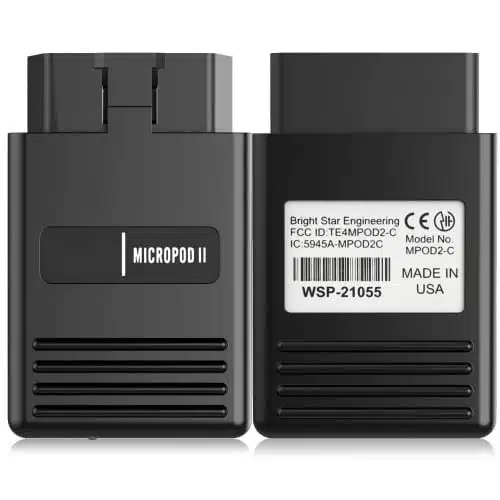
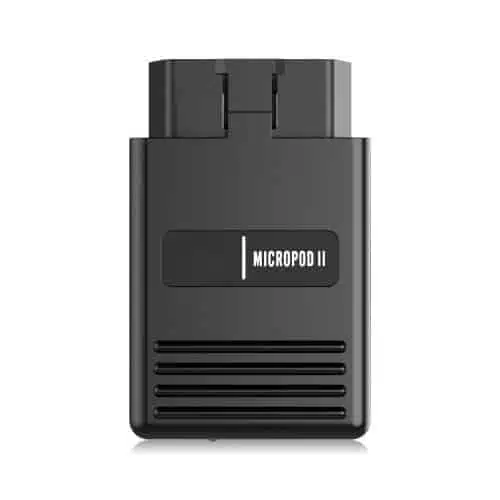
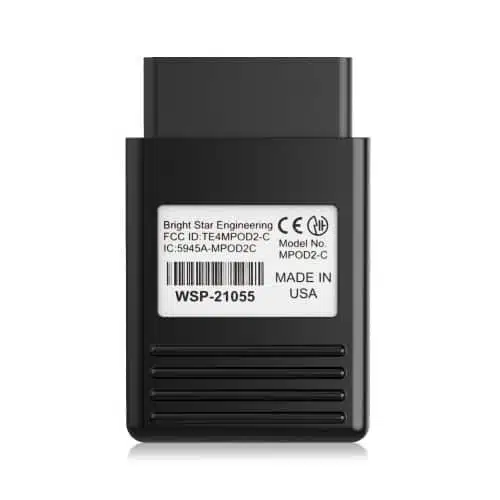
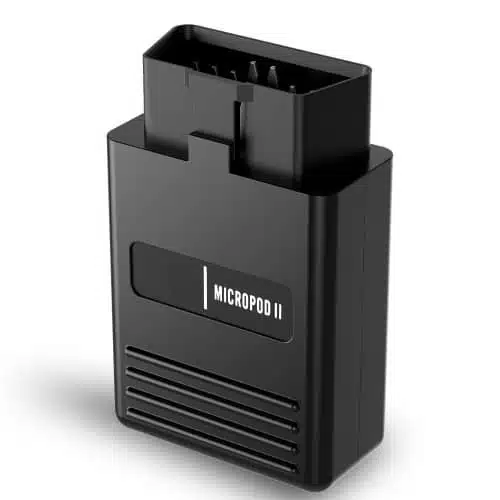
V17.04.27 WiTech MicroPod 2: Chrysler Diagnostic Tool (Clone Version)
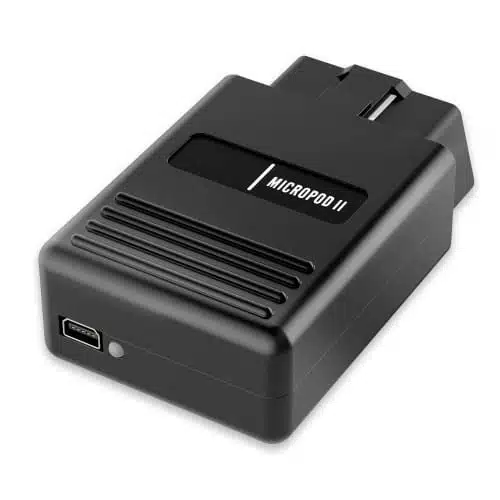
The WiTech MicroPod 2 is a high-quality diagnostic tool* designed for Chrysler, Dodge, Jeep, and Fiat vehicles. It offers comprehensive system diagnostics, ECU programming, and advanced service functions* when used with the WiTech 2.0 software. This unit provides a cost-effective alternative for workshops and professionals seeking dealership-level diagnostics without the high expense of an OEM tool.
Key Features & Supported Functions:
✅ OEM-Level Diagnostics: Perform full-system scanning and troubleshooting.
✅ Offline ECU Programming & Flashing: Works with WiTech software for module updates.
✅ Fast & Stable Communication: Reliable USB and Wi-Fi connectivity for seamless data transfer.
✅ Live Data & Actuation Tests: Monitor real-time vehicle parameters and perform active tests.
✅ Multi-Vehicle Support: Compatible with Chrysler, Dodge, Jeep, and Fiat models.
✅ Key & Security Functions: Some features may require additional OEM access.
✅ Compact & Portable Design: Ideal for workshops and mobile technicians.
Condition:
🔹 Clone Version: Professionally tested for full functionality.
🔹 Brand new unit—never used before.
Important Notice:
The WiTech MicroPod 2 is highly capable for offline diagnostics, module flashing, and key functions, providing essential dealership-level service capabilities. However, online programming and security-related functions may require additional OEM credentials, which are not guaranteed with this tool.
🚗 A must-have tool for professionals who need reliable diagnostics and programming at a fraction of the cost! 🔧
wiTech Micro Pod II Diagnostic and Programming System for Chrysler, Dodge, Jeep
wiTECH Micro Pod 2 Diagnostic Tool Highlights
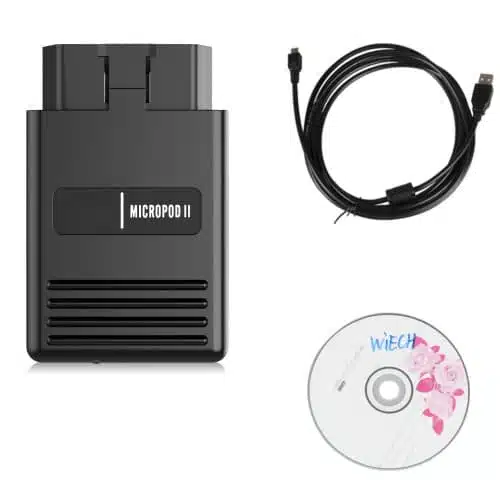
What’s in the box?
- MicroPOD II Chrysler Diagnostic Tool interface
- USB cable
- CD (for Chrysler only)
Learn how to setup your microPOD device for wiTech 2.0 in this step-by-step guide.
FAQ
What is WiTECH MicroPod 2?
WiTECH MicroPod 2 is a compact diagnostic device that provides full access to Chrysler, Dodge, Jeep, and RAM vehicle systems for diagnostics, coding, and ECU programming.
What vehicles are supported by MicroPod 2?
MicroPod 2 supports Chrysler, Dodge, Jeep, and RAM vehicles manufactured from 2004 onward, including newer models using CAN protocol.
What software does MicroPod 2 use?
MicroPod 2 can work with WiTECH 1.0 or WiTECH 2.0 software depending on your system setup. Our kits include installation support for a smooth experience.
How to Setup and Troubleshoot WiTECH Micropod 2 Diagnostic Tool
The WiTECH Micropod 2 is an essential diagnostic tool for Chrysler, Dodge, Jeep, and Fiat vehicles. Properly setting it up ensures smooth operation and accurate diagnostics. Below is a step-by-step guide for setup and common troubleshooting tips to enhance your experience.
Step-by-Step Setup Guide
- Download Required Software: Obtain and install the official WiTECH software. You can refer to the WiTECH Diagnostic Software User Handbook for detailed instructions.
- Connect the Micropod 2: Plug the Micropod 2 into the vehicle’s OBD-II port. Ensure the green light is steady, indicating a proper connection.
- Install Drivers: Connect the Micropod 2 to your PC with the provided USB cable. Windows should detect the device and install the appropriate drivers.
- Launch WiTECH Application: Start the WiTECH software and follow the on-screen instructions to link the Micropod 2 with your VIN and system configuration.
- Test the Connection: Verify the connection by performing a test diagnostic session to ensure the setup is complete.
Troubleshooting Tips
- Device Not Recognized: Check the USB cable and driver installation. If issues persist, reboot your computer and reconnect the Micropod 2.
- Green Light Flashing: This indicates a connectivity issue. Ensure the device is securely plugged into the OBD-II port and check the vehicle’s battery voltage.
- Software Errors: Ensure you are using the latest version of WiTECH software. Visit this guide for additional information on software updates.
- Inconsistent Diagnostics: Inconsistent results may indicate incorrect VIN or module selection. Double-check your setup within the WiTECH application.
For an in-depth troubleshooting guide, check out our Ultimate Guide to Using WiTECH Micropod II.
Need Additional Assistance?
TechRoute66 offers comprehensive help for WiTECH products. If you require further assistance or product support, explore available resources like the Jeep, Chrysler & Fiat Programming Software Kit for enhanced functionality.
Online Support
If you have any pre-sale question or need help with your purchase, feel free to reach out to our team:
Email: [email protected]
Mobile (WhatsApp): +447441395648
We always love to hear from our customers.
Related products
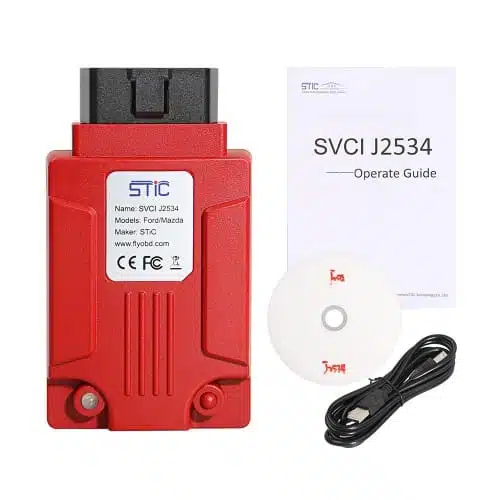
STIC SVCI J2534 Diagnostic Interface

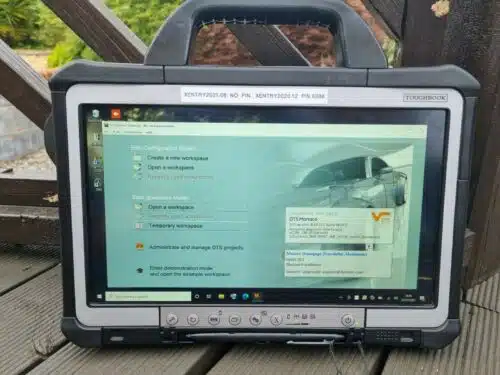
Mercedes Star Diagnostic Tool: Xentry, Xentry Add-On Certificate, DAS, DTS Monaco, Vediamo, and STAR Finder + SUPER MB PRO M6