
GM Service Information (SI): What It Is, What It Covers, and How Shops Use It
Updated on July 12, 2026
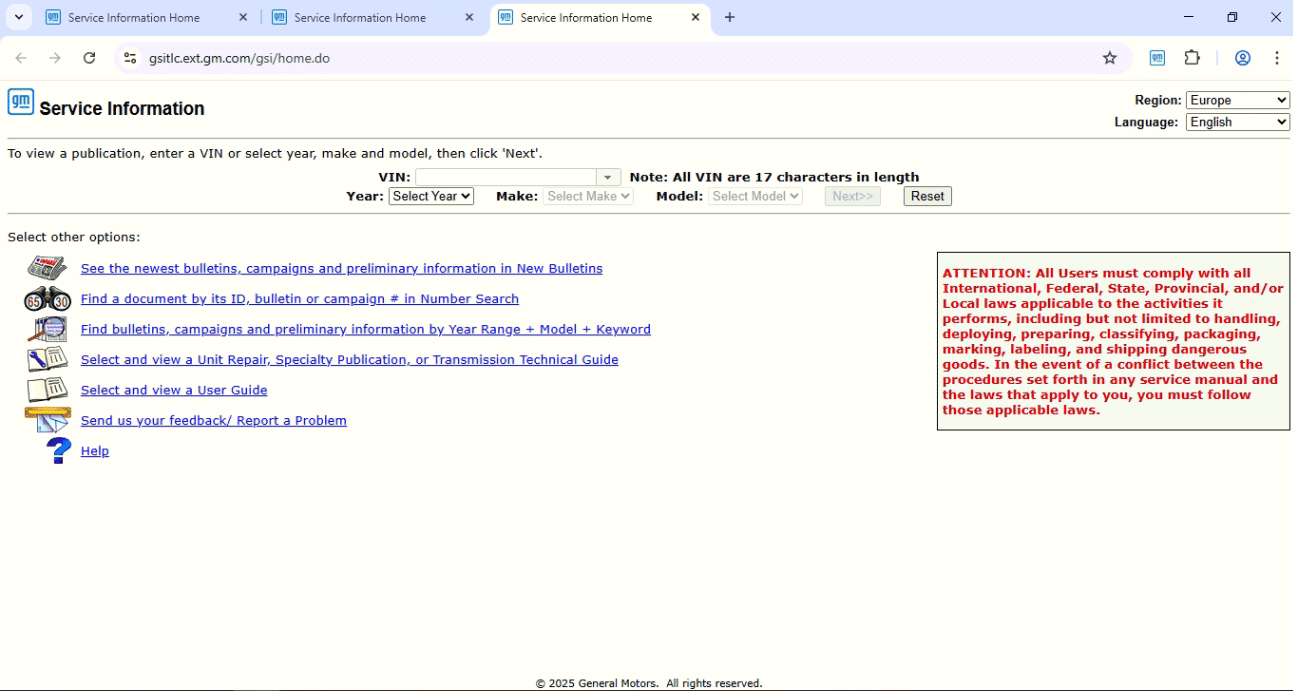
Modern GM vehicles are packed with modules, networks, and software-driven systems. That means “close enough” information often isn’t good enough—especially when you’re chasing an intermittent electrical fault, performing a complicated repair procedure, or confirming a bulletin-related fix. That’s where GM Service Information (SI) comes in.
Related: See our tested comparison of the best auto repair shop management software in 2026.
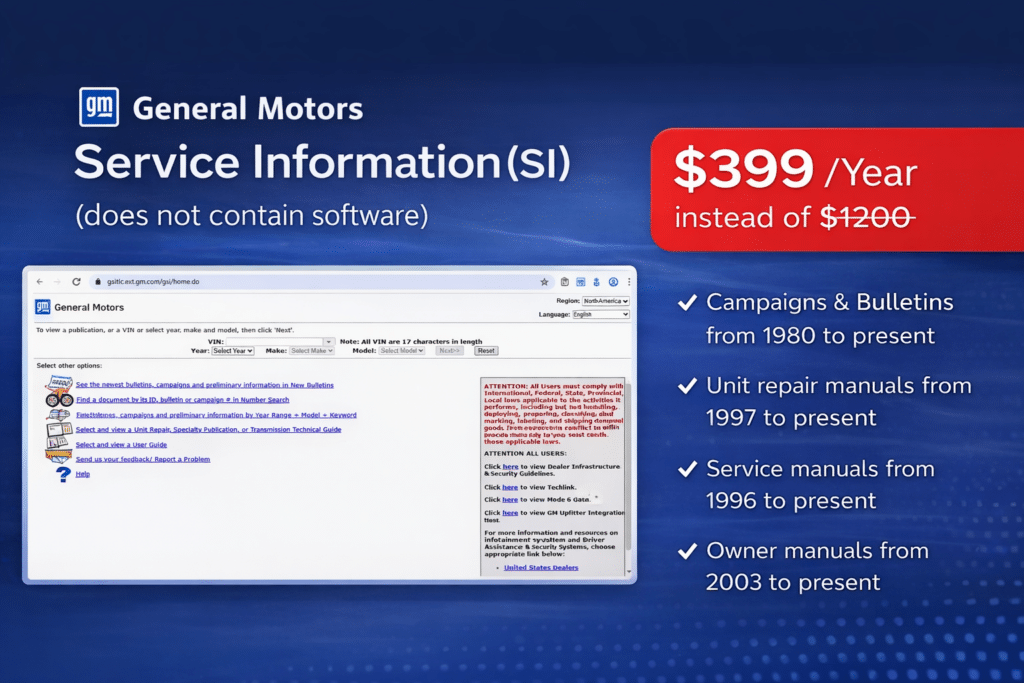
GM SI is an online service documentation system within the Acdelco TDS that is used to support accurate diagnosis and repairs. It centralizes the kind of GM OEM-level repair info technicians rely on every day—procedures, diagrams, component locations, technical documents—organized around VIN and vehicle configuration so you can pull the right information for the exact car in your bay.
What is GM Service Information (SI)?
GM Service Information (SI) is a web-based system that provides structured repair and service documentation for GM vehicles. It’s built to help technicians:
- Find the correct repair steps in the right order
- Access wiring diagrams and connector details
- Verify component locations and system descriptions
- Reference technical bulletins and supporting publications
- Work from vehicle-specific context (VIN or year/make/model)
In short: SI helps reduce guesswork by giving you the documentation you need to diagnose and repair confidently.
What does GM SI include?
While coverage can vary by vehicle and publication, GM SI commonly contains key categories of information used throughout the diagnostic and repair process.
1) Repair Procedures (Step-by-Step)
These are structured instructions for performing repairs the right way—often including:
- Required tools and safety steps
- Removal and installation instructions
- Torque specs and tightening sequences
- Notes and cautions that prevent damage or comebacks
This is where SI shines for complex jobs where order and specs matter.
2) Wiring Diagrams and Electrical Schematics
Electrical diagnostics is one of the biggest reasons shops need SI. You’ll typically find:
- System wiring diagrams and circuit routing
- Connector end views and pin locations
- Splice/ground distribution references
- Power and network architecture context
When you’re tracing CAN issues, voltage drops, or module communication faults, diagrams save time fast.
3) Component Locations and Views
SI helps techs locate what they need without wasting time:
- Component locations by system
- Harness routing and connector locations
- Service illustrations and diagrams
For vehicles with crowded engine bays and layered trim, this is a huge advantage.
4) Bulletins, Campaigns, and Supporting Documents
Technical bulletins (TSBs) and GM campaign-related publications help you avoid reinventing the wheel. SI commonly provides access to documents that:
- Identify known issues and symptoms
- Provide updated repair approaches
- Specify revised parts or procedures
- Clarify misdiagnosis traps and repeat failures
When a pattern problem exists, bulletins can cut your diagnostic time in half.
5) Vehicle Lookup by VIN or Configuration
A major benefit of SI is being able to pull the correct documentation for the specific vehicle configuration, rather than relying on generic information that may not match options, trims, or system variants.
Why independent shops rely on GM SI
Many aftermarket platforms are helpful for general repair info, but GM vehicles often require deeper detail. Independent shops commonly use SI to:
- Confirm correct procedures for modern systems
- Ensure wiring diagrams match the vehicle in the bay
- Track down connector/pin details for module diagnostics
- Validate bulletin-driven repairs and updates
- Reduce time spent searching and second-guessing
If your shop does a lot of GM work—especially electrical diagnosis, drivability issues, ADAS-related repairs, or module-related problems—SI can be one of the biggest efficiency upgrades.
Common real-world use cases for GM SI
Here are a few situations where SI is especially useful:
- Intermittent electrical faults: verify circuits, grounds, splices, and connector pins
- No-crank/no-start diagnostics: check starter circuits, immobilizer-related documentation, and diagnostic flow support
- Module replacement steps: confirm procedures and required setup notes
- Network communication issues: use diagrams and architecture context to narrow down the problem
- Repeated comebacks: verify torque specs, tightening sequences, and procedure notes
- Bulletin-related symptoms: confirm whether a known issue applies before spending hours diagnosing
GM SI vs diagnostics vs programming tools (how it fits)
It helps to think of SI as your documentation foundation, while other tools handle the “talking to the car” and “writing to modules” parts.
- GM SI: procedures, diagrams, locations, bulletins, reference
- Diagnostics tools (e.g., GDS2): codes, live data, tests, routines
- Programming tools (e.g., SPS2): calibrations, module programming and setup
In a serious GM workflow, SI is what you consult to make sure your diagnostic decisions and repair steps are correct.

Tips for using GM SI efficiently in a workshop
A few habits make SI much faster day-to-day:
VIN lookup helps ensure you’re viewing the correct publication and system variant.
Wiring diagrams, connector views, grounds distribution, and locations are used constantly.
SI often contains notes that prevent broken clips, damaged connectors, or wrong order steps.
If the symptom matches a known pattern, bulletins can save you a ton of time.
Who should consider GM SI?
GM SI is a strong fit for:
- Independent shops that regularly service GM vehicles
- Diagnostics-first technicians and electrical specialists
- Workshops that want fewer comebacks and faster repair cycles
- Anyone doing advanced troubleshooting beyond basic maintenance
If you’re only doing oil changes and brakes, SI may be less essential. But if you’re doing diagnostics and repairs on modern GM platforms, it can quickly pay for itself in time saved.
Need expert help with your setup?
Our team is ready to help you choose the right tools and get you up and running.